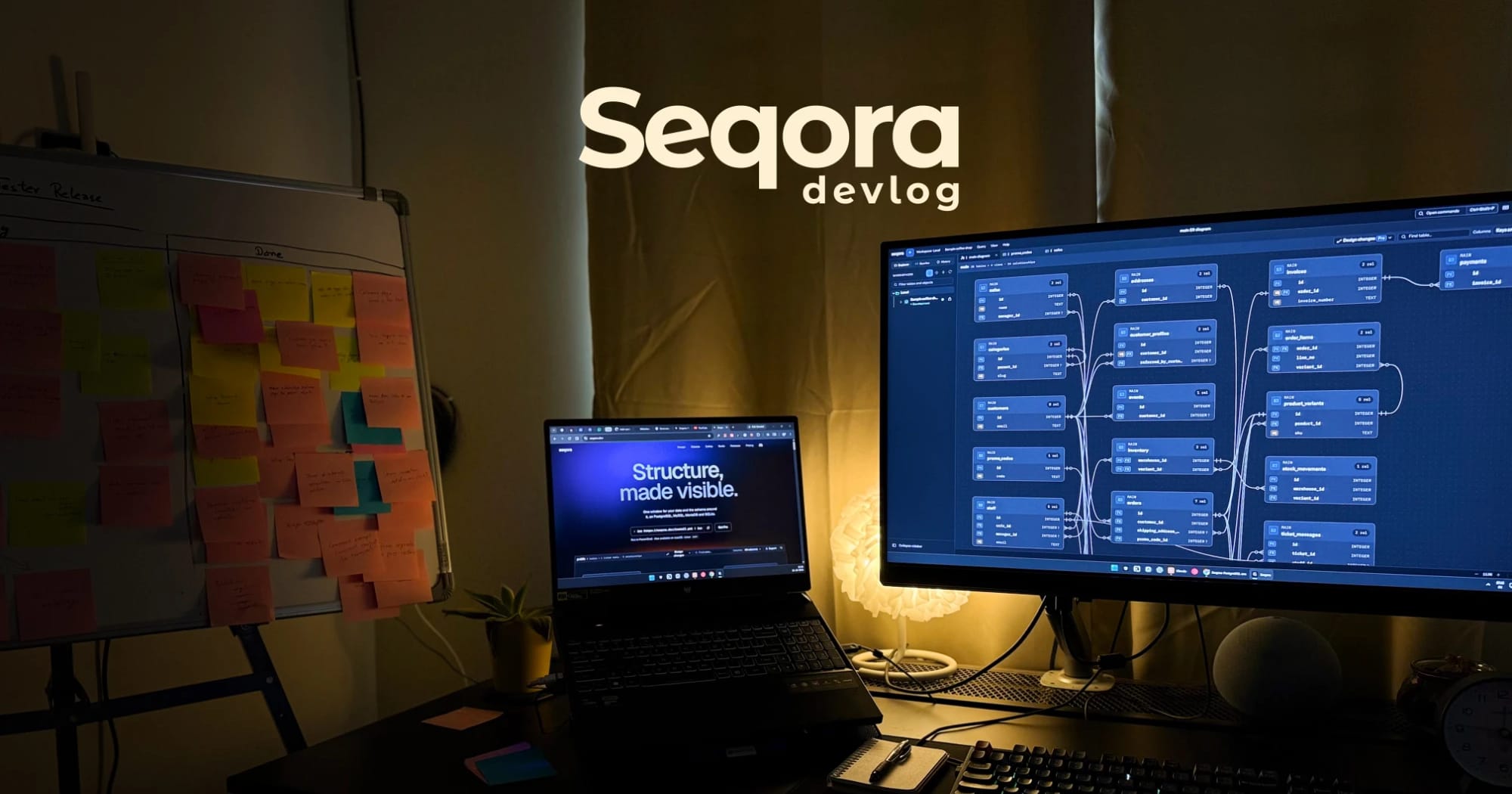
For the past few months I've been building Seqora, a desktop database client, almost entirely with AI, and I want to write down how that went while it's still fresh. This is the first devlog. It covers why I started, what the thing is, and how it is built.
The itch
Every time I opened DBeaver I got a little more annoyed. It takes ages to load. The shortcuts I reached for were never there, and the ones that existed I could never remember. pgAdmin is the same story. Both of them work. Neither looks like it was made in the last ten years.
I was doing more and more backend work, which meant going through one of these every day. So I looked at the modern ones. TablePlus is nice, and it looks like it was made this decade. Then you hit the free tier, which lets you open two tabs and two windows at a time. I understand wanting to be paid, I want to be paid too, but a database client that stops you looking at your own database is a strange thing to sell.
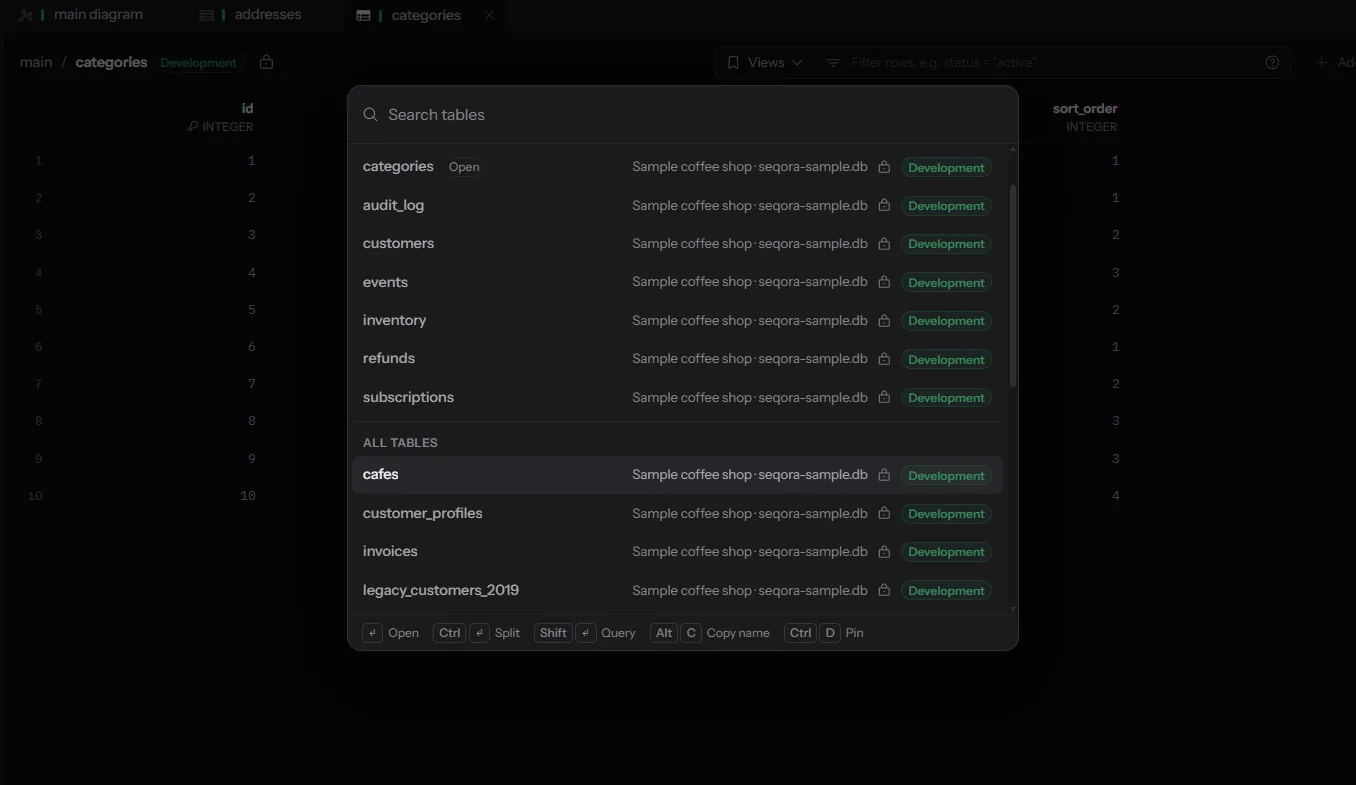
I didn't set out to build a product. One weekend I built a prototype that did one thing: connect to a database and let me move around it fast. No edits, no completion, no design to speak of. Just a tree, a grid, and Ctrl+P to jump to any table by name. It was ugly and I used it every day, which told me something.
That prototype grew into Seqora. The first commit in the real repo is from 28 July. For the first month it was evenings and weekends. For the last month or so it has been the main thing I do. I didn't track the hours. It felt like a lot.
What Seqora is today
Seqora is a desktop database client for PostgreSQL, MySQL, MariaDB and SQLite, with more to come. Mac and Windows today, Linux soon. Version 0.4.2 as I write this, 750 commits in.
The short version of what it does:
- A SQL editor with completion, snippets and history.
- A data grid where edits are staged, so you read the change before it runs.
- An ER diagram of the live schema.
- A schema design mode. You draw the change, read the SQL it will produce, and apply it. Before applying, it rehearses the change inside a transaction and rolls it back, so you find out about the failing constraint before your table does.
- Object pages for the things that are usually just names in a sidebar: indexes, sequences, functions, views, partitions, triggers, grants, row security.
- A visual EXPLAIN that draws the plan as row flow and index access, so you can see where the planner guessed 612 rows and found 206,880.
- Close to 40 keyboard shortcuts, for everything I could think of.
Ctrl+Popens a palette that takes you to any table, query or connection.
Every connection opens read-only until you unlock it. Production connections are marked in colour. There is no account and nothing goes to a server of mine. Credentials live in an encrypted local store keyed from the system keychain.
The core is free, with no tab limit and no query limit. Schema design, the object pages and visual EXPLAIN are Pro, at $99 a year, or $49 a year if you subscribe before the end of 2026.
The four questions
The first thing I wrote down wasn't a feature list. It was four questions I wanted answered at a glance, without clicking anything:
- Which connection is this action going to hit?
- Will it change data?
- What just ran, and did it fail?
- How does this object relate to that one?
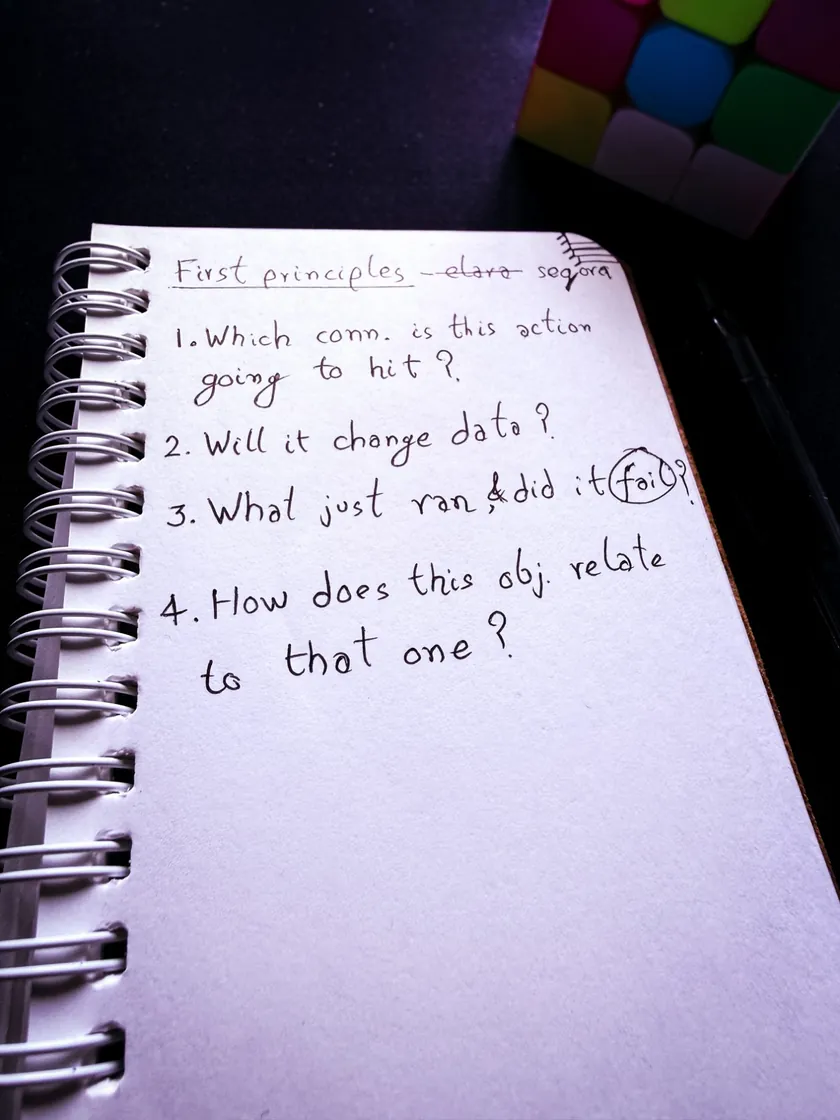
Every tool I had used answered those questions somewhere. None of them answered them where I was looking. The connection name was in a dropdown I had scrolled past. Whether a query would write was something I worked out by reading it. The last error was in a log panel I had closed.
Those four questions became the spec. The spec is still in the repo, and most of the app is a consequence of taking it seriously. The colour on production connections is question one. The lock on every new connection is question two. The staged edits are question two again. The ER diagram and the object pages are question four.
I also wrote down a rule for myself, which I've mostly kept: before copying how an existing tool does something, ask whether it does it that way because it's right, or because someone decided it years ago and nobody has looked since.
Why Svelte
I started frontend with Vue 2 and liked it. The way it worked made sense to me, and I could hold the whole model in my head. Then I moved to React, like most people did. I liked bits and pieces of it. Over time the bits I liked got smaller and the code around them got uglier, and I spent more of my day managing React than building things.
A few years ago I watched a talk by Rich Harris, the person who made Svelte, and it was the first time in a while that a framework felt simple on purpose rather than simple until you looked closely. Svelte 5 with runes is what Seqora is written in. It's also where my most embarrassing bug lives, which I'll get to.
The formal decision record in the repo lists React, Vue, Solid and a Rust-only UI as the options I rejected. The honest reason is shorter than the record. I knew I'd be reading and reviewing a lot of code written by AI, so I wanted it to be code I enjoy reading. For me that's Svelte.


The stack is Tauri 2, Svelte 5 and Rust. The UI runs in a webview. Everything that touches a database, a file, the keychain or an SSH tunnel runs in Rust. A database client holds people's credentials, opens tunnels into their servers and runs their queries. I wanted that part in Rust.
Some choices I'm glad about:
- Each engine uses its own native driver:
tokio-postgres,mysql_asyncandrusqlite. There is no abstraction layer pretending four databases are one. They aren't, and every abstraction I looked at hid exactly the differences I cared about. - The Postgres parser is
pg_query, which wraps the parser Postgres itself uses. Seqora reads your SQL the way the server will, which is how it knows a query will write before it runs. - The app's own local store is SQLite with SQLCipher, so saved connections and metadata are encrypted at rest.
- CodeMirror 6 for the editor. I wasn't going to write an editor.
- SSH tunnels through
russh, the OS keychain throughkeyring, and a built-in terminal throughportable-pty, because sometimes you needpsqland switching windows is the thing I was trying to stop doing.
Twelve weeks in, the repo has about 400,000 lines of Svelte, TypeScript and Rust across 1,200 files. If that number makes you suspicious, good. It makes me suspicious too, and it's the subject of the next section.
99.9 per cent
I wrote almost none of the code by hand. Something like 99.9 per cent of the lines were typed by a model. The number is the least interesting part of the story.
Here is what I actually did instead of typing.
28 July on the left, 21 October on the right. The dashed line is 22 September.
I started the project on Codex, with GPT 5.6, Sol and Luna. Luna was cheap and I liked that, but it needed a lot of hand holding, and hand holding is still work. About a month ago I moved to Claude Code and stayed. For anything genuinely hard I plan with Fable first, as a conversation about what the thing should be and what could go wrong, and then hand the plan to Opus to build. For small things I skip the planning and just ask.
I still use Codex for one job: pretending to be a user. Astra and Sol 6.1 drive the app with computer use, click through it the way someone new would, take screenshots and tell me where the app deviates from what I described. I also use Astra for images and UI assets. I describe what an asset should look like, Codex opens Affinity and draws it, and the result is better than I expected and still not as good as I want. I'm looking for a better way to do that part.
The thing I didn't expect to love is choosing. When I'm not sure how a panel should work, I ask for two or three working prototypes, run them, and pick. Before, a prototype cost an afternoon, so I built one and defended it. Now it costs minutes, and I've become a much harsher judge of my own first idea.
What I review, honestly: every line of the Rust. It's the core, it holds credentials and runs queries against databases that aren't mine. The Svelte I skim. I run it, I use it, I click on everything, and I read the diff when something feels off. I'm not going to claim a discipline I don't have.
My job on this project is architect and product owner. I decide what it is, how it should feel, what is in and what is out, and then I make sure I can explain exactly what I want in technical terms. The day I can no longer explain what I want is the day the tools stop being useful. That is the part I guard.
What I mean by slop
People are shipping AI-built software left and right, and some of it is fine. The word slop gets thrown at all of it, and I don't think that's what the word is for.
Slop, to me, is the absence of obsession. It's software where nobody went into each crack to see what could be smoother. You can get 80 per cent of a product's features in a weekend now. That part is true and it's not going back. The 80 per cent is also the part everyone can copy, so it is the part that is worth the least.
The other 20 per cent is small, human things. Ctrl+P opening the palette with the cursor already in the search box. The grid scrolling back to the top when you switch tables, because that's where you expect to be. A warning when you type a string into an integer column, before the database tells you off. The ER inspector not being confusing. None of that comes out of the first prompt. Each one is several rounds of back and forth with the tool, and the tool doesn't care either way. You have to.
Katie Dill, who runs design at Stripe, said something close to this (opens in a new tab) on Lenny's Podcast, better than I can: the craft lives in the details that no spec asks for.
So when I say Seqora was built with AI, I mean the typing. When I say it was handcrafted, I mean those small things.
Three bugs that cost me the most
The short versions.
The grid that took five seconds. The most embarrassing version of Seqora was the one where a query with 10,000 rows made the whole window stutter. I had put the result rows into Svelte's deep reactive state, which wraps every object in a proxy, including the thousands that nothing was ever going to react to. About 4.7 seconds of the lag was that. The store and the IPC bridge, which I blamed first, were 370 milliseconds. The fix was moving the rows out of reactive state altogether.
The editor that lost its CSS. In packaged builds, and only in packaged builds, the SQL editor lost all of its styling. Dev builds were fine, which is the worst kind of fine. The cause was a Content Security Policy nonce that Tauri adds in production, which quietly disables the inline styles CodeMirror depends on.
The point release that broke CI. Rust 1.99 changed how bindgen finds libclang, which broke the pg_query build on macOS and Linux while Windows carried on passing. The toolchain is now pinned to 1.98.1. The shortest of the three, because the lesson is one line: pin your toolchain.
What is next
All of this is planned for this year, before the founder price ends on 31 December. A lot more will come after that. The more I use Seqora every day, the more things I find that need adding, and they get added. The same goes for you: if you have feedback or want a feature, let me know.
- Linux. It's the most asked-for thing and the sign-up for it is on the site.
- MCP. Seqora will expose your connections to whatever model you already use, with your own key. There will be no AI built into the app itself, and no model of mine in the loop. You bring the model, Seqora brings the database, and you can still read everything before it runs.
- A dashboard per connection. One screen that answers "what is going on in this database right now": size, activity, the slow queries, the tables that grew.
- More pictures. The visual EXPLAIN and the ER diagram are the two features people react to most, so there will be more of the schema and the statistics drawn rather than listed.
Try it
The Free version is at seqora.dev (opens in a new tab). No account, no tab limit, Mac and Windows.
It started as a weekend prototype I couldn't stop using. Try it on your own database and see if it does the same for you. If something annoys you, tell me.